A prompt library that's always at hand
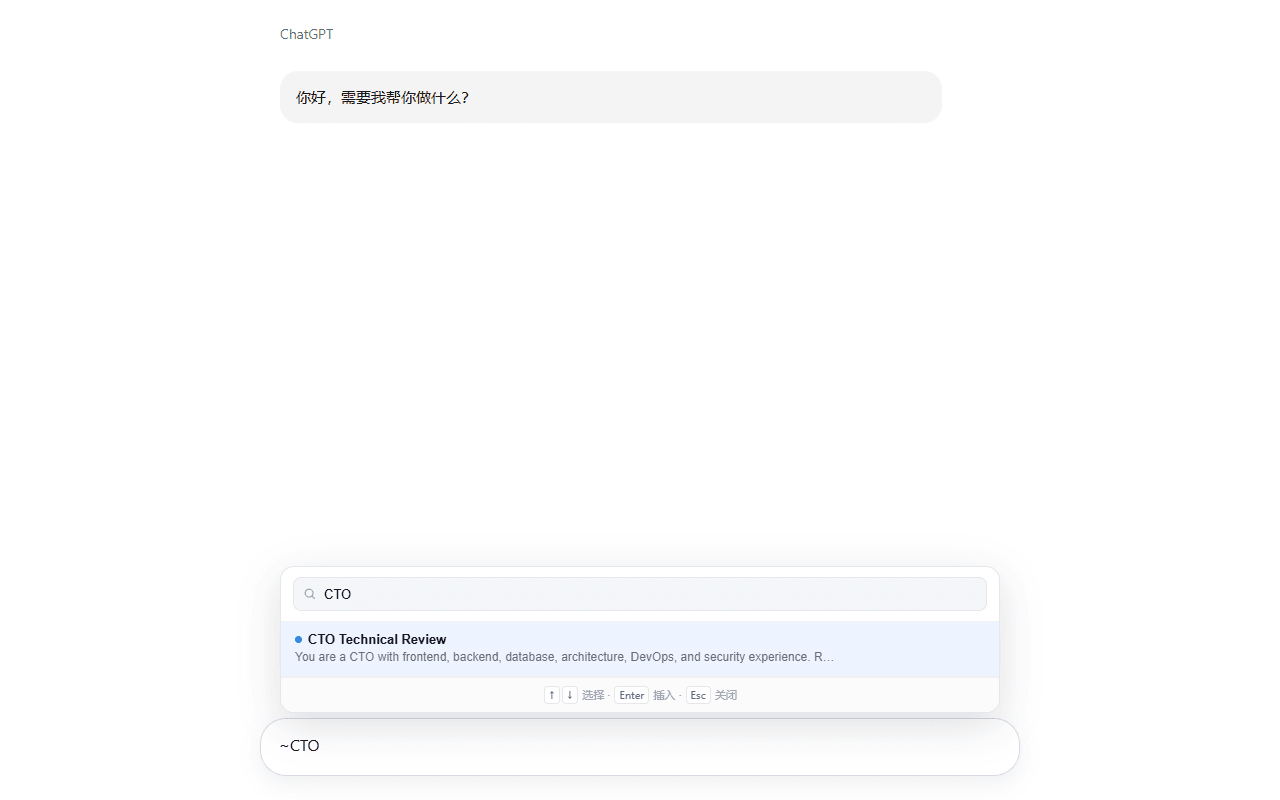
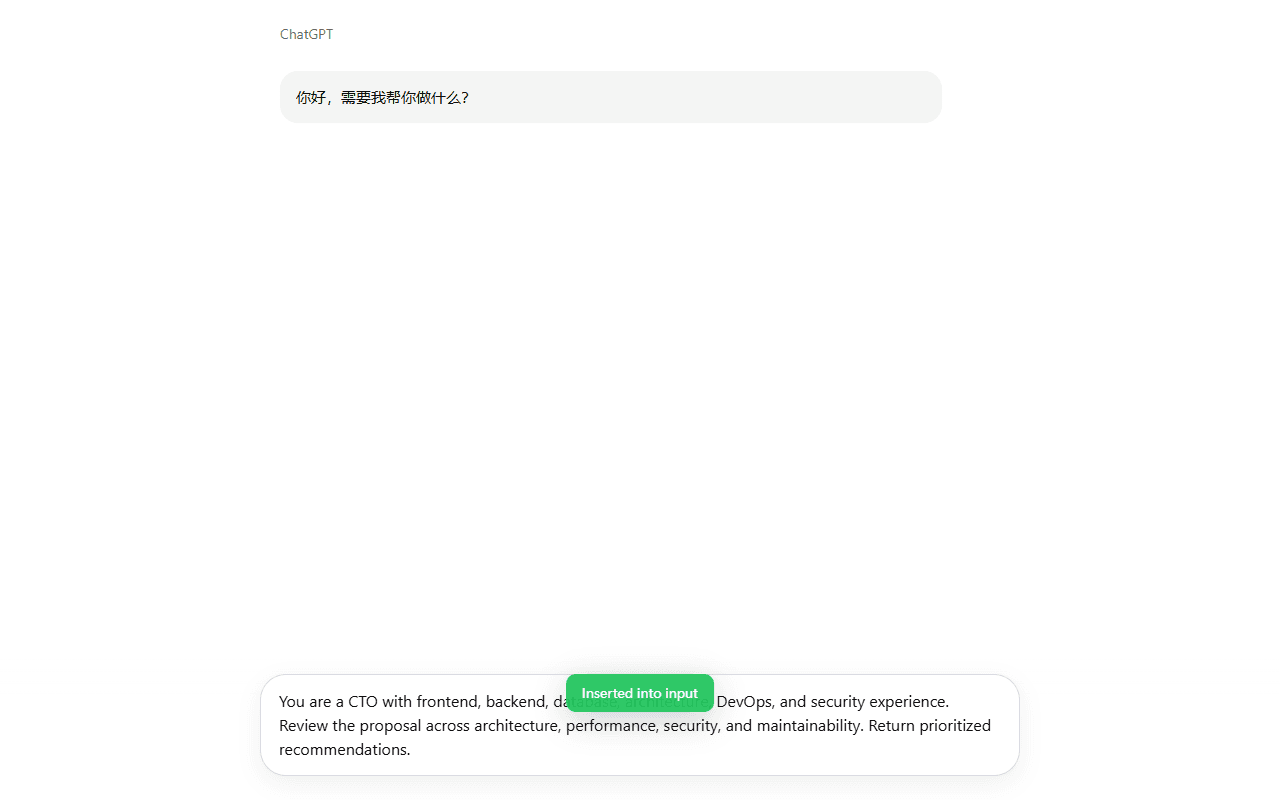
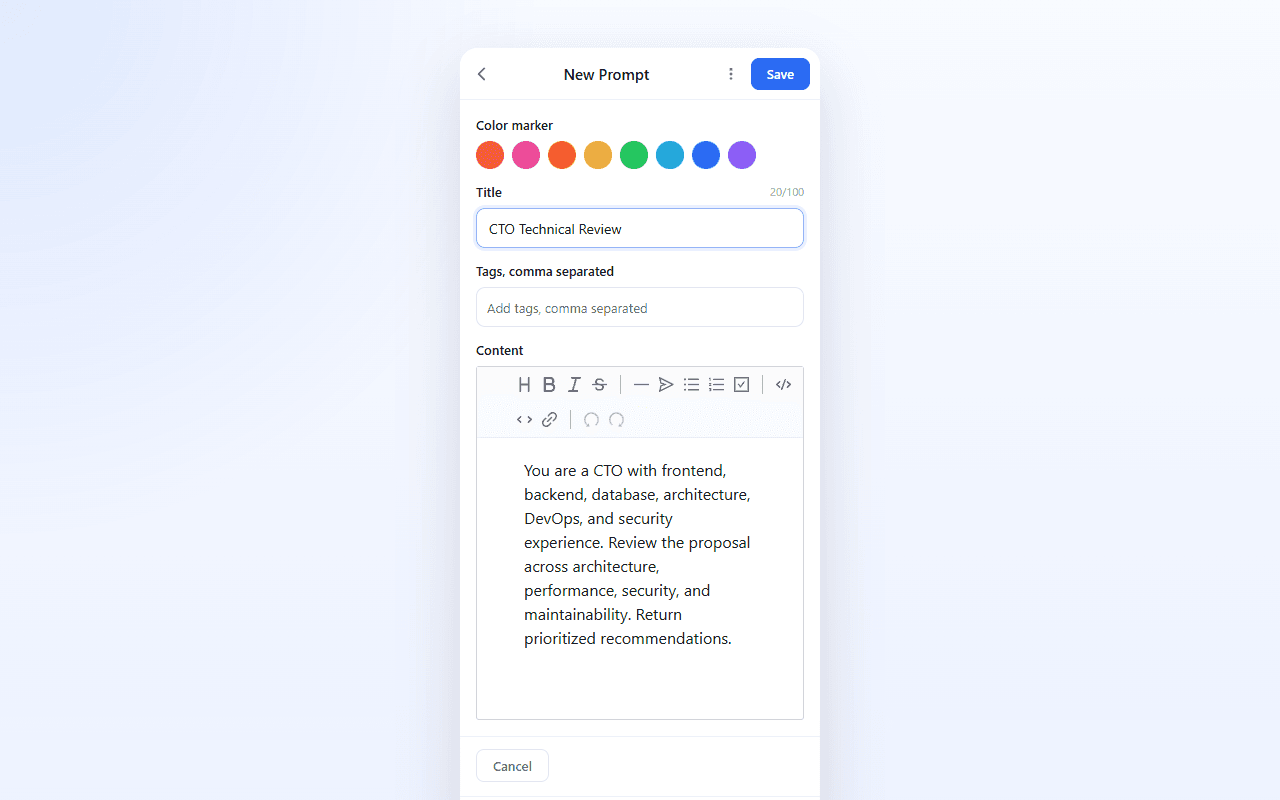
Save, organize, and search prompts in the side panel; right-click any selection to save it as a prompt; type ~ in any input box to pick one and insert with Enter.
CHROME EXTENSION
 Chrome extensionComing soon
AI Pier Kit turns your AI prompts into a portable library: type ~ in any input box on any site to pick and insert one. It can also override timezone and language for the sites you choose — every other site stays untouched. Data syncs through your Google account, local-first, works offline.
Under Chrome Web Store review — this will become the install button once it's live
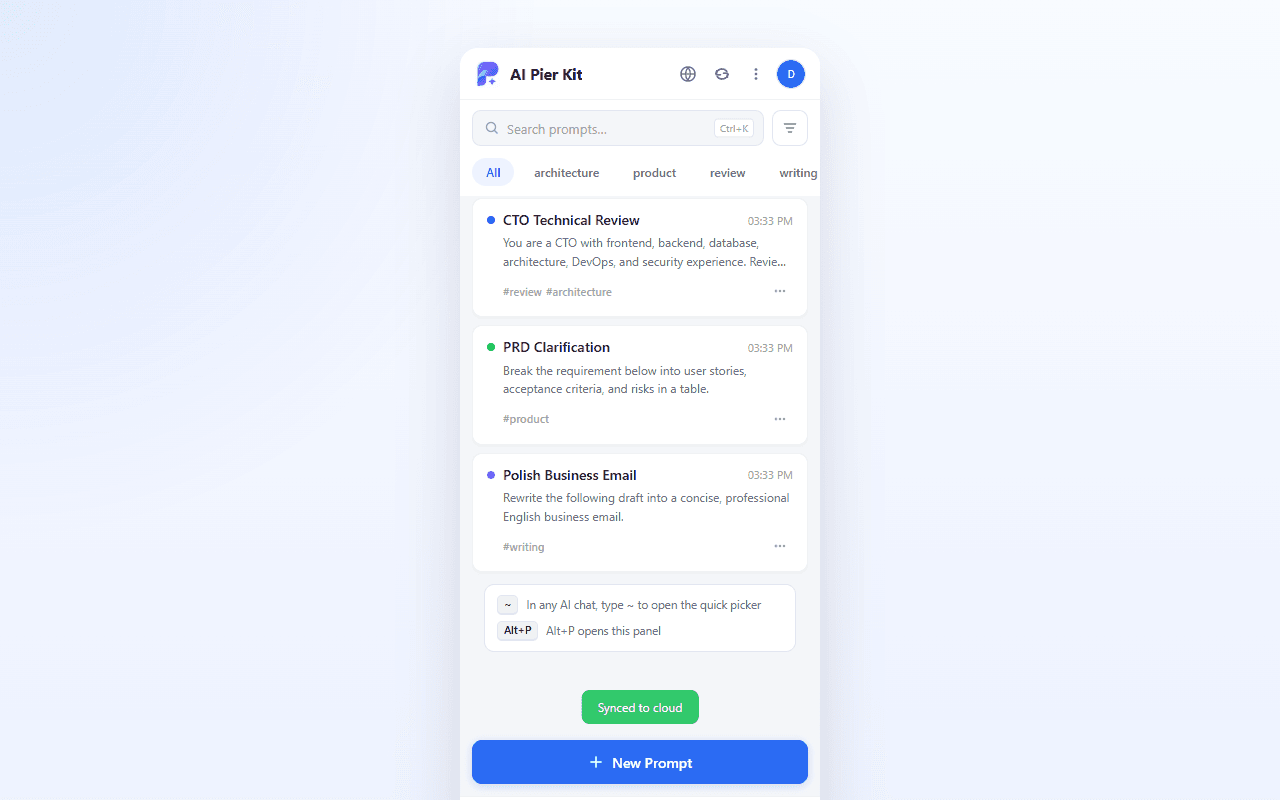
Save, organize, and search prompts in the side panel; right-click any selection to save it as a prompt; type ~ in any input box to pick one and insert with Enter.
Set timezone, language, and the Accept-Language header for specific sites only. The page sees exactly the locale you chose — every other site and your browser's global settings stay untouched.
Data lives in your browser first and syncs to the cloud through your Google account after changes settle. Sign in on a new device to restore everything; everything works offline either way.
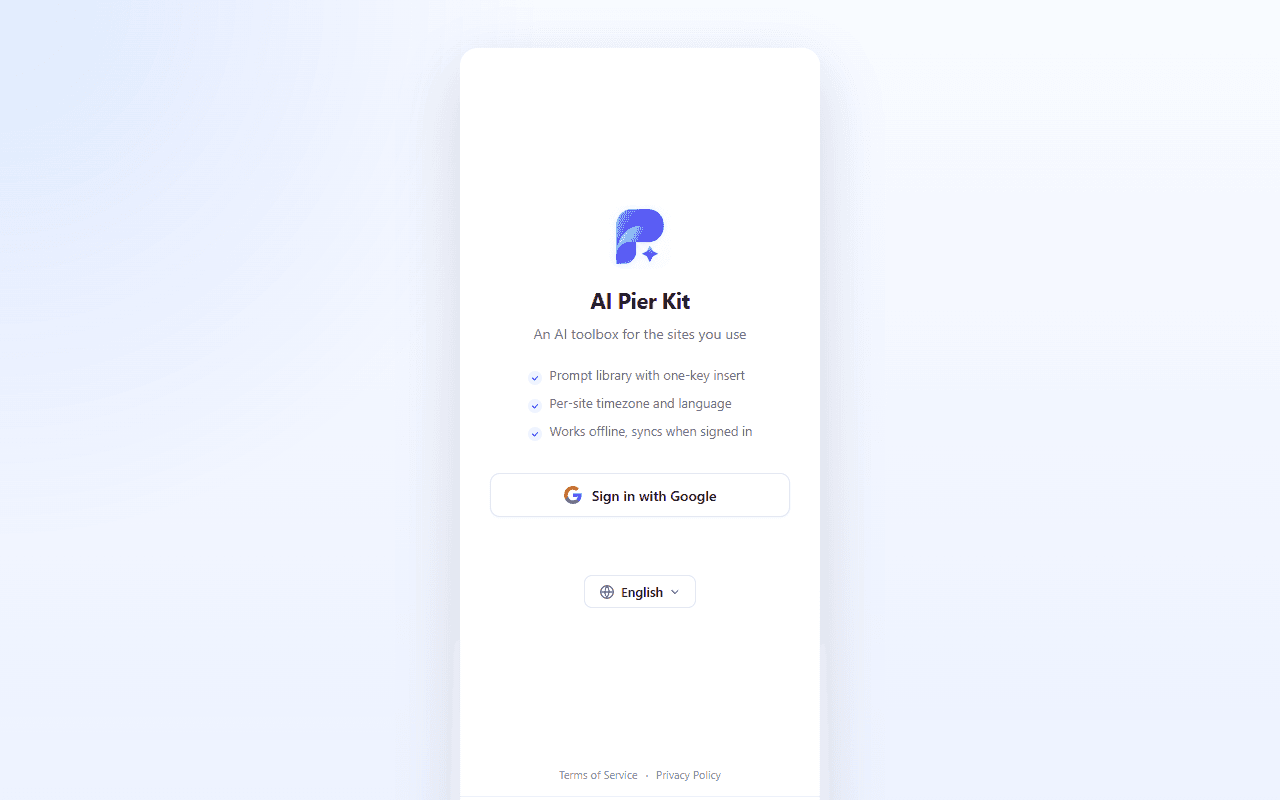
Real UI captures, not mockups.
Yes. No ads, no in-app purchases.
Local-first: data stays in your own browser. Only when you turn on sync does it upload through your Google account — our server exists solely for your own multi-device sync, with no analytics or sharing.
No. Overrides apply only to sites you explicitly added. Other sites and your browser's global settings are never touched; you can disable or delete a site's config anytime.
It's being prepared for release. Once approved, the install button on this page will point straight to the store listing.
By using it you agree to our privacy policy. Privacy policy →