01ChatGPT on the web develops your local project
ChatGPT in a browser can't touch the code on your disk or run your tests. Connected to a workspace over MCP, it can read files, apply patches, execute commands, and check Git status — not pasting code into the chat, but actually developing on your machine.
02A second engine for when Codex runs dry
When Codex quota is out or tasks are queuing, hand the same workspace to ChatGPT and keep moving. Both clients connect to the same project: changes, tests, and Git state stay on your machine, so switching tools never loses the thread.
03Progress follows the project, not the chat window
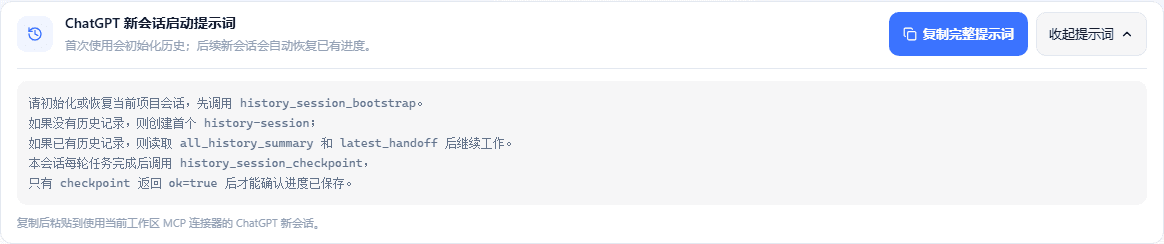
Each turn saves a structured checkpoint into the project docs/history-session/ directory. A new conversation gets a bounded current state first, then searches the raw archives by keyword when it needs detail.
04Many workspaces, one client
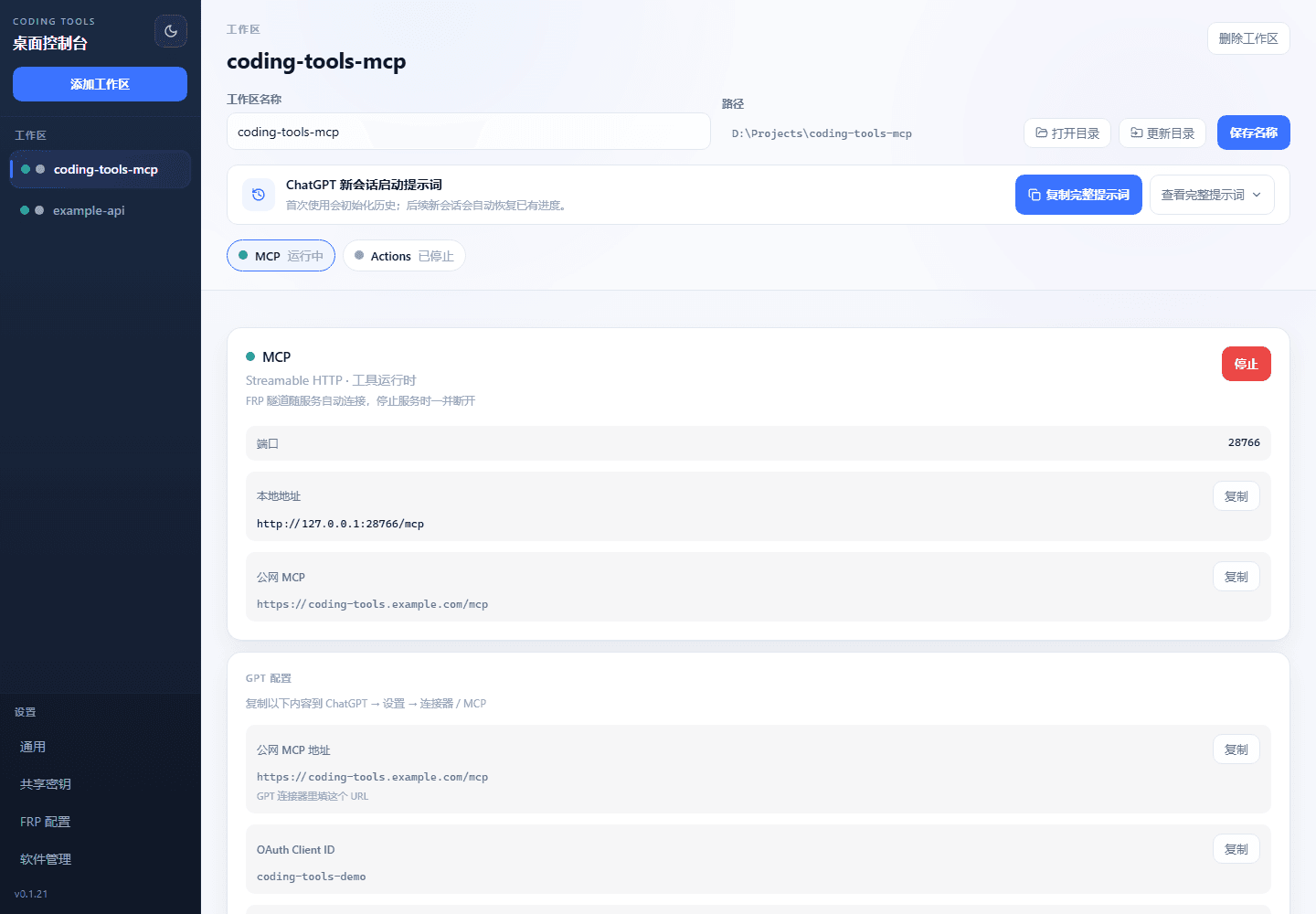
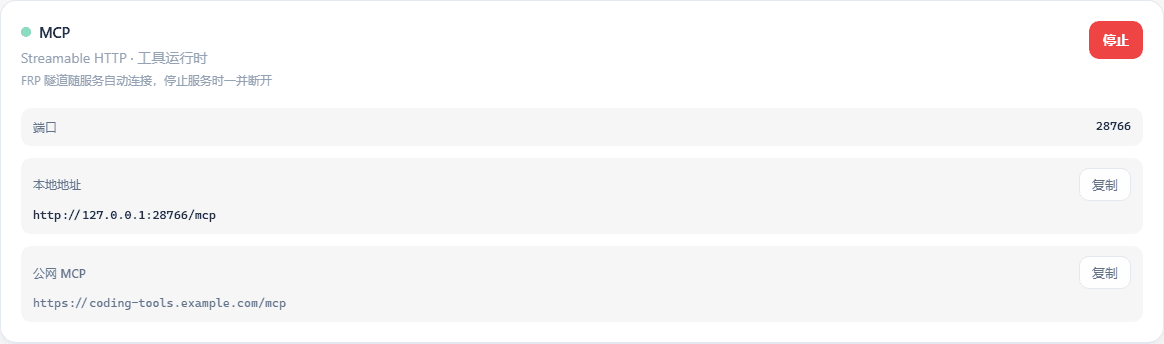
Each project gets its own MCP port, auth, public tunnel, and subdomain. Local MCPs can be proxied through under control, with high-privilege tools disabled individually.
05Clear permission boundaries
Read, write, and exec inside the workspace; read-only outside it; writes, deletes, and execs outside are blocked; .git and .github are protected from tool damage.
06Connections built in, configure once
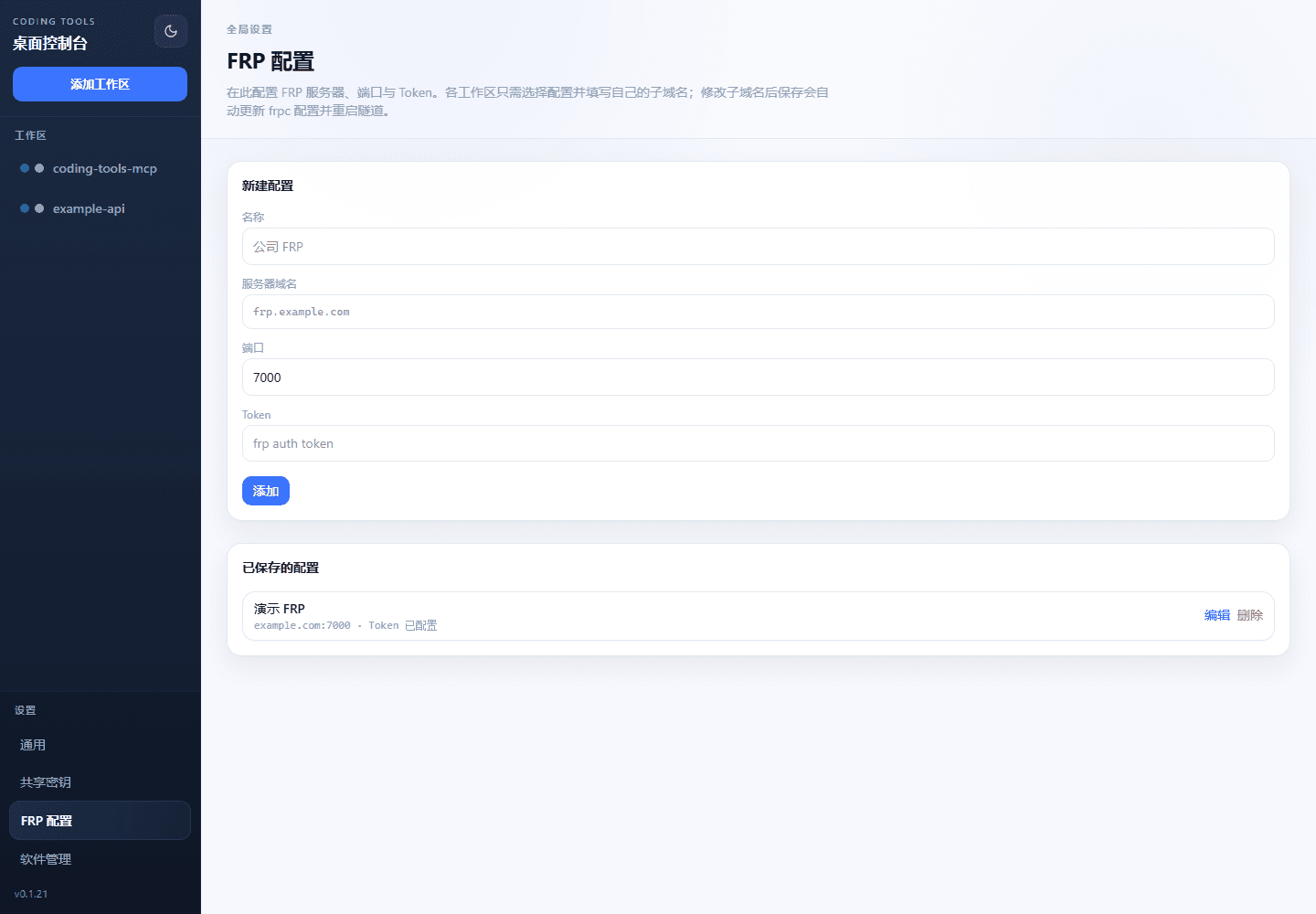
Ships with FRP and Cloudflare tunnel management, Streamable HTTP, OAuth / Bearer auth, and OpenAPI. ChatGPT MCP plugins, GPT Actions, or any other MCP client can connect.